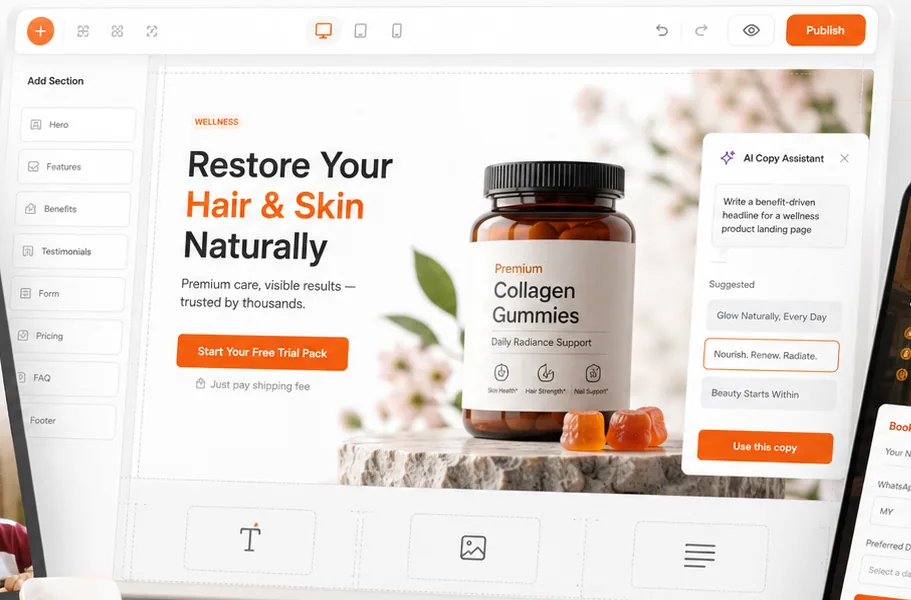
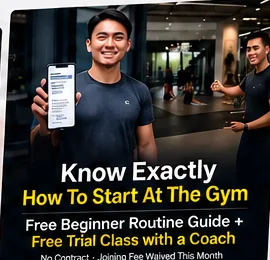
Make me a landing page for my wellness brand, plus a banner for the ad.
Using AdsHelper
Done. Both are saved in your AdsHelper account.
Landing pageBanner
You ask
ChatGPT
AdsHelper does the work
You get
Landing pages
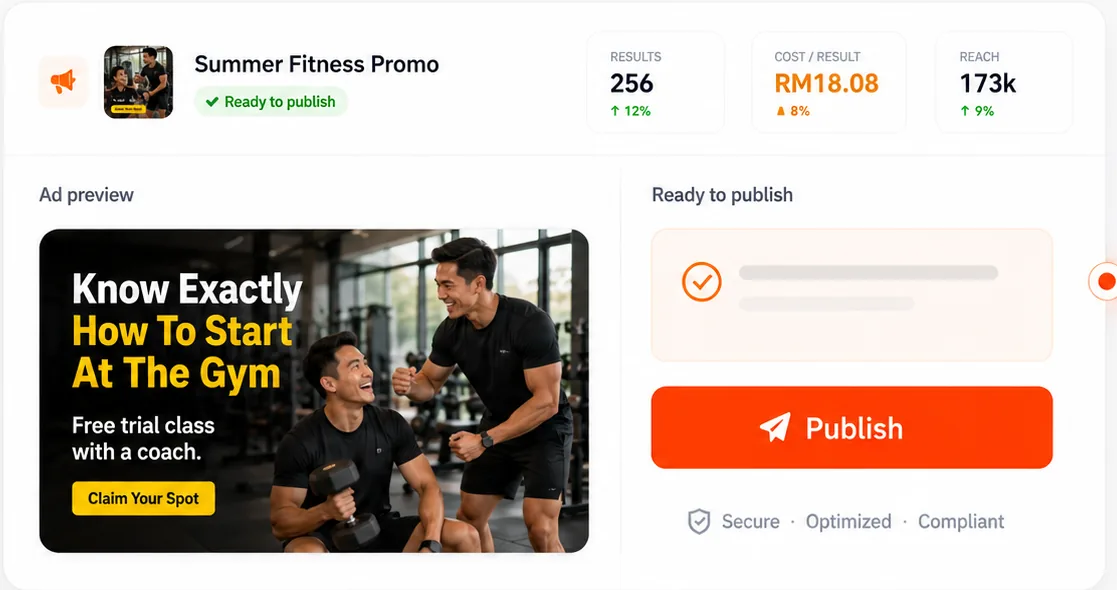
Banners
Live ad results
Just ask your assistant.
Make me a landing page for my collagen gummies.
Landing pages
Create a page from an industry template filled with AI copy and images, then edit it, check its views, leads and orders, or remove it.
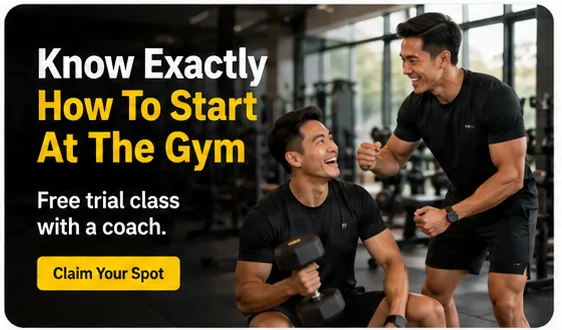
Create three banner variants for my gym promotion.
Banners
Create one banner or several variants, see them in the chat, and edit them without opening the design editor.
What did my Facebook campaigns spend this week?
Facebook and Instagram ads
Connect your Facebook account, read campaign results, and change campaigns and ad sets by asking.
Products
List your products and add new ones, ready to sell on your landing pages.
Images
Bring an image from a web link into your account, ready to use on your pages and banners.
Google Ads
Connect your Google account and add a Google campaign to your AdsHelper dashboard.
Connect in three steps.
1
Create your AdsHelper account
Sign up free. Everything your assistant makes is saved to this account.
2
Copy your API key
In your dashboard, open Profile, then API, and generate your key. Keep it private, as it acts as you.
3
Add AdsHelper to your assistant
Add AdsHelper as a connector in Claude or ChatGPT using your key, then start asking.
Need the connection details? Talk to us and we will help you connect Claude or ChatGPT.
Your account stays yours.
Only your account
Your assistant sees only the pages, banners and products in your own account.
Everything in your dashboard
What it creates shows up in your dashboard, just as if you had made it yourself.
Switch it off anytime
Generating a new API key switches the old one off straight away.
Frequently Asked Questions
MCP stands for Model Context Protocol, an open standard that lets AI assistants use outside tools. The AdsHelper MCP server lets your assistant work inside your AdsHelper account when you ask it to.
AdsHelper supports Claude and ChatGPT. Other assistants that can connect to an MCP server with an API key can use it too. Talk to us if you need help connecting yours.
No. Once it is connected, you ask for what you want in plain words, like “make me a landing page for my bakery”.
The connection itself is free. AI work costs the same tokens as in your dashboard, such as building a landing page or creating a banner. Listing, reading and connecting cost nothing.
Yes, once you connect Facebook, your assistant can change campaigns and ad sets when you ask. Check what your assistant plans to do before you confirm it.
No. Your assistant works only as your account and sees only what belongs to it.

 ChatGPT

 Banners
 Live ad results